
Complete TIN ID Requirements Philippines 2026 (Fast & Hassle-Free Guide)
If you’ve ever stood outside a Bureau of Internal Revenue (BIR) office at 6:00 in the morning just to get a piece of cardboard, you already know the struggle. Getting your tax identification card is often a confusing rite of passage for every Filipino entering the workforce. But if you know the exact TIN ID Requirements Philippines 2026 mandates, you can skip the headaches, avoid multiple return trips, and get your ID on the same day.
Whether you are a fresh graduate applying for your first corporate job, a freelancer securing your business registrations, or someone who simply lost their old card and needs a replacement, the BIR has very specific rules. If you bring the wrong form or line up at the wrong Revenue District Office (RDO), the guards will turn you away before you even reach the counter.
Based on our experience assisting hundreds of taxpayers with their government documentation, this ultimate pillar guide cuts through the confusion. We will break down the complete TIN ID Requirements Philippines 2026 checklist, explain how to navigate the new digital ORUS system, and give you insider tips on how to transfer your records without pulling your hair out.
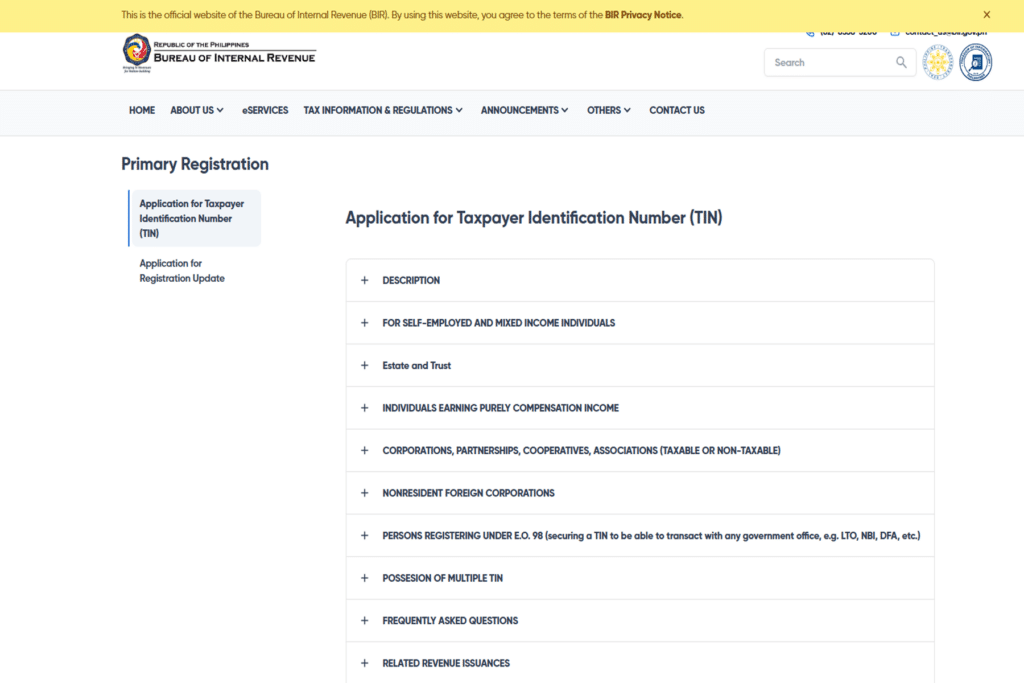
The Difference Between a TIN and a TIN ID
Let’s clear up a major misconception right now: your TIN and your TIN ID are two different things.
Your Tax Identification Number (TIN) is a unique 9-digit to 13-digit number assigned to you by the BIR for life. You use this number to file taxes, open bank accounts, and transact with the government.
Your TIN ID is simply the physical card (usually printed on yellow-green cardboard or special paper) that displays that number along with your photo and signature. While the number itself is absolutely mandatory for employment, the physical card is actually considered a secondary valid ID. However, because it is free and relatively easy to get, it remains one of the most requested IDs in the country.
Physical vs. Digital: The New BIR ORUS System
As of 2026, the BIR has heavily pushed its Online Registration and Update System (ORUS). This means you now have two options for your TIN ID.
1. The Digital TIN ID (Via ORUS)
If you don’t want to line up at a BIR branch, you can generate a digital TIN ID through the ORUS portal. This digital ID contains a verifiable QR code. You can save it on your phone or print it yourself.
To get this, you must already have an existing TIN. You simply create an account on ORUS, verify your email, upload a clear selfie with a white background, and generate the digital card. No physical submission of TIN ID Requirements Philippines 2026 is needed if you use this route.
2. The Physical TIN ID (Walk-in)
Despite the digital option, many banks and employers still prefer the physical card because it has your wet signature. If you want the traditional yellow-green physical card, you must do a walk-in application at your specific RDO. The rest of this guide will focus on the exact steps for the physical walk-in process.
Core TIN ID Requirements Philippines 2026 (By Category)
The documents you need to bring to the BIR depend entirely on your current employment status. If you bring the wrong BIR Form, the evaluator will ask you to step out of the line and fill out a new one, wasting hours of your time.
Category 1: First-Time Job Seekers (Employees)
If you just got hired for your first job, your employer’s HR department will usually process your TIN for you. However, some companies will ask you to secure the physical ID yourself.
Your specific TIN ID Requirements Philippines 2026 include:
- BIR Form 1902: (Application for Registration for Individuals Earning Purely Compensation Income). Bring two original copies, filled out using black ink.
- Valid ID: Any government-issued ID showing your birthdate and address (e.g., PSA Birth Certificate, Passport, PhilSys National ID). Bring the original and one photocopy.
- 1×1 ID Picture: Bring two recent copies with a white background.
- Certificate of Employment (COE): Or a copy of your signed company contract.
- Marriage Certificate: Only applicable if you are married and changing your maiden name.
Category 2: Unemployed, Students, or One-Time Taxpayers
What if you don’t have a job yet, but you need a TIN to open a bank account, apply for a driver’s license, or buy a property? You fall under the E.O. 98 or “One-Time Taxpayer” category.
- BIR Form 1904: (Application for Registration for One-Time Taxpayer and Person Registering under E.O. 98). Bring two original copies.
- Valid ID: Original and photocopy of any government ID (PSA Birth Certificate is best here).
- 1×1 ID Picture: Two copies.
Real Applicant Tip: The First Time Job Seekers Act
Under RA 11261, if you are applying for your very first job, you are exempted from paying government fees. While the TIN ID itself is free, you usually have to pay a ₱30 Documentary Stamp Tax (DST) to attach to the card. If you present a First Time Job Seeker Barangay Certificate, even that ₱30 fee is waived.
Category 3: Freelancers, Online Sellers, and Self-Employed
If you are registering a small business, a sari-sari store, or you work as a freelance virtual assistant, you are considered a professional/mixed-income earner.
- BIR Form 1901: Bring two copies.
- Valid ID: Original and photocopy.
- 1×1 ID Picture: Two copies.
- DTI Registration or Mayor’s Permit: (If you have a registered business).
- Client Contract: (If you are a freelancer, a printout of your Upwork/Fiverr profile or a direct client contract will suffice to prove your income source).
How to Replace a Lost or Damaged TIN ID
If you accidentally put your wallet in the washing machine or lost it during a commute, do not attempt to register for a new TIN number. Having two TINs is a criminal offense under the Philippine Tax Code.
Instead, you must apply for a replacement card. The complete TIN ID Requirements Philippines 2026 checklist for a lost card includes:
- BIR Form 1905: (Application for Registration Information Update / Correction / Cancellation). Bring two copies.
- Notarized Affidavit of Loss: You must visit a local notary public or lawyer to execute this document. It usually costs between ₱150 to ₱300.
- Valid ID: Original and photocopy.
- 1×1 ID Picture: One copy to attach to the new card.
The Most Crucial Step: The “RDO Rule”
This is the number one reason applicants get rejected when applying for their physical card. You cannot just walk into any BIR branch that is convenient for you.
You MUST request your TIN ID at the specific Revenue District Office (RDO) where your TIN is registered.
For example, if you got your first job in Makati and your HR registered you there, your RDO is in Makati. If you later resign, move back home to Calabarzon, and try to request a replacement TIN ID at RDO 57 in Santa Rosa, Laguna, the guards in Santa Rosa will turn you away. They literally do not have the authorization to print a card for a Makati-registered taxpayer.
How to Fix an RDO Mismatch (Form 1905 Transfer)
If you moved to a new city, you must transfer your records before requesting an ID. Thankfully, the BIR updated their rules. You no longer have to travel back to your old RDO.
- Download and fill out BIR Form 1905.
- Email the form to your old RDO requesting a transfer to your new RDO. You can find the email addresses of all RDOs on the official BIR website.
- Wait for their email confirmation (usually takes 3 to 5 working days).
- Once transferred, you can now walk into your new local RDO, present your TIN ID Requirements Philippines 2026 checklist, and get your physical card.
Step-by-Step Walk-In Process at the BIR
Once you have your complete requirements folder ready and you are at the correct RDO, here is what to expect.
- Card Printing: They will print your details on the yellow-green cardboard ID.
- Finalizing the ID: The officer will hand the card to you. You must paste your 1×1 photo on the designated box and sign the card using a black pen. Some RDOs will require you to buy a Documentary Stamp (₱30) from the cashier to stick on the back of the card to make it official.
Warning: The Facebook “TIN Assistance” Scams
If you search for TIN ID Requirements Philippines 2026 on Facebook, you will see hundreds of pages offering “Hassle-Free TIN ID Assistance” or “Rush BIR ID for ₱500.”
Do not fall for this. These fixers are illegal, and worse, they often issue fake TINs. They use unauthorized generators to print random 9-digit numbers on fake cardboard. When you give this fake TIN to your employer, their payroll system will flag it as invalid. You will then be forced to go to the BIR to fix it, and you could face penalties for submitting fraudulent documents.
The legitimate physical TIN ID is completely free (except for the ₱30 documentary stamp). It is always safer to process it yourself or through your official company HR.
Frequently Asked Questions (FAQs)
Can my employer hold my TIN ID?
No. While your employer can process the registration on your behalf to get your 9-digit number, they are not allowed to hold your physical personal identification cards. If they requested the card for you, they must surrender it to you.
Does the TIN ID expire?
No. Your tax identification number and the physical card do not expire. You only need to deal with the TIN ID Requirements Philippines 2026 process again if you lose the card, damage it, or legally change your name due to marriage.
Why did the BIR give me a piece of paper instead of a card?
Sometimes, an RDO will run out of the official yellow-green cardboard stock. If this happens, they will print your TIN details on a standard piece of bond paper (often referred to as a TIN Verification Slip). Legally, this paper holds the same weight as the card. You can return to the RDO a few weeks later to request the actual cardboard printout once they have restocked.
Can a relative claim my ID for me?
Yes. If you are unable to go to the RDO, you can send a representative. However, they must bring a Special Power of Attorney (SPA), your original valid ID, their original valid ID, and your complete application forms.
⚠ Important Notice
RequirementsPH is an independent informational website created to help Filipinos understand and complete government document requirements faster. We provide updated, accurate steps to assist users with applications, renewals, and legal requirements.
This website is not affiliated with, endorsed by, or officially connected to the Bureau of Internal Revenue (BIR) or any Philippine government agency.
For official announcements, to download the latest BIR forms, or to access the ORUS digital portal, please visit the official government website:
You May Also Need
- Complete First Time Job Requirements Philippines Guide
- NBI Clearance Online Registration Guide
- How to Get Your PhilHealth ID Card
About the Author & Research Team
The RequirementsPH Editorial Team is dedicated to simplifying complex Philippine government processes. By combining official data with real-world application experiences, we provide easy-to-follow, actionable guides for every Filipino preparing for employment, business, and daily transactions.
Id
I need id
TIN ID? follow my instruction her
Blk 9 lot 12 Chicago street north 1 sanmarino city subdivision brgy salawag dasmariñas city cavite